Using the Order Lookup Tool
Written By David Henkel
Last updated About 2 months ago
The Order Lookup Tool in the BackOffice allows you to quickly search for specific orders using various filters.
Step 1: Navigate to the Order Lookup Tool
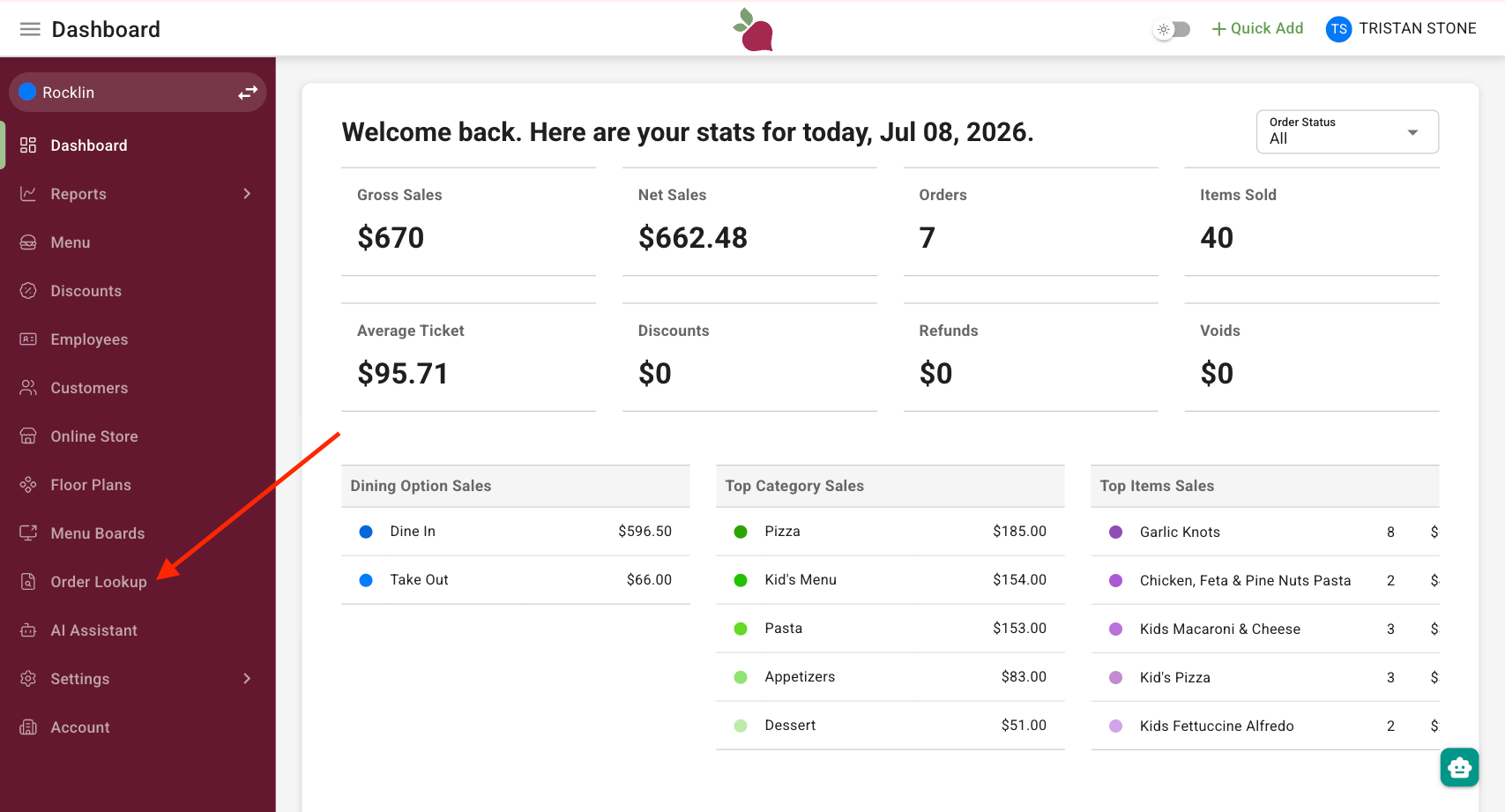
Log into the BackOffice and select Order Lookup Tool from the left-hand side navigation menu.
Step 2: Search for an Order
On the Order Lookup Tool page, you can search for orders using the following filters:
Order Number
Last 4 Digits of Credit Card Number
Date
Minimum and Maximum Amount
Employee
Enter the desired criteria into the relevant fields and click Apply to filter the results.